








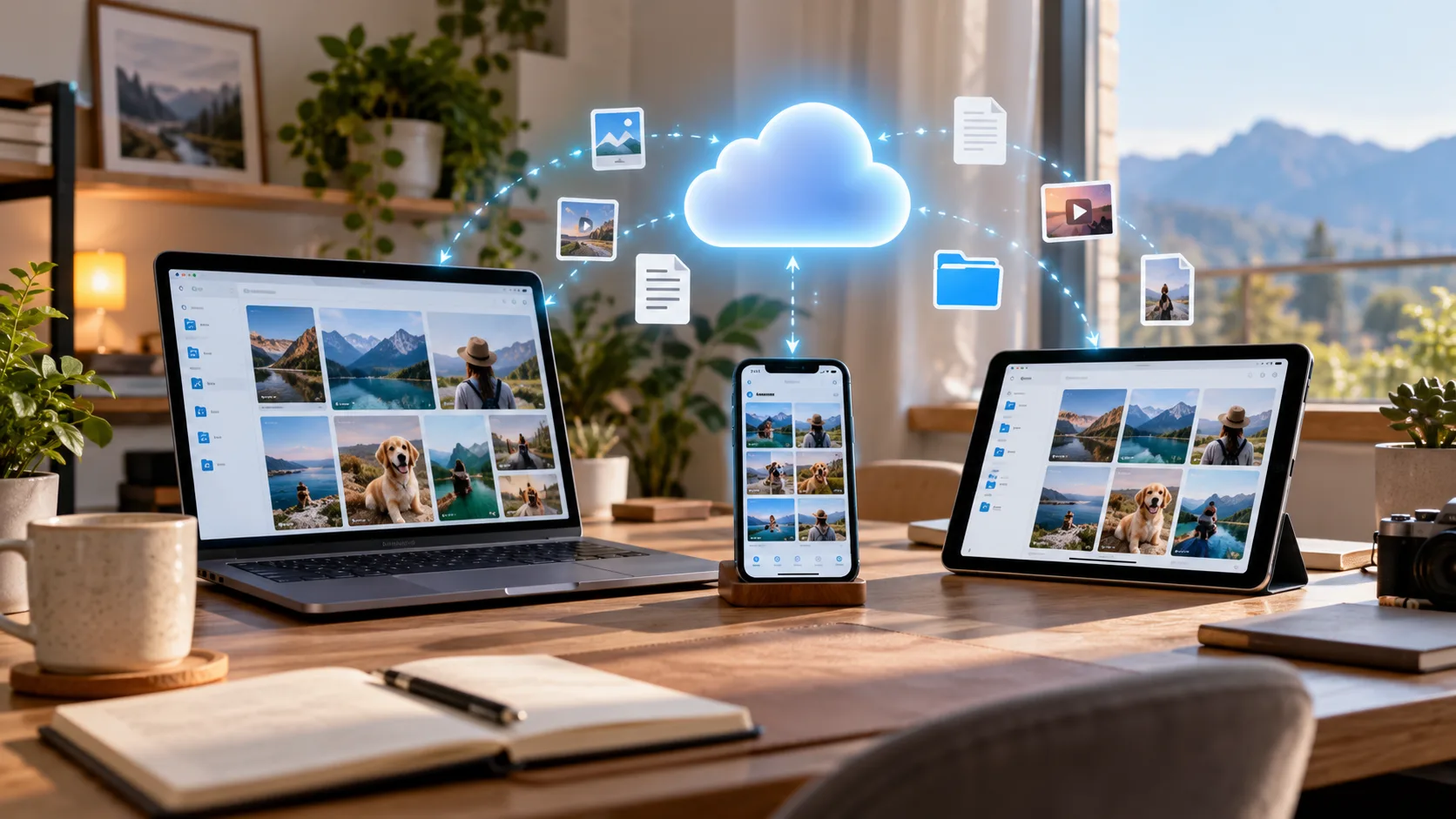
Cloud storage has become one of the easiest ways to protect photos, documents, videos, work files, and other important digital content. Instead of keeping everything on one computer or phone, cloud storage lets you access your files from multiple devices while reducing the risk of losing them when a device fails. The challenge is choosing a service that matches your storage needs, budget, devices, and privacy expectations.
The Best Cloud Storage for Personal Use should be simple enough for everyday users while offering reliable syncing, convenient mobile apps, secure file sharing, and flexible storage capacity. Some people only need a small free account for documents, while others want 1TB or more for family photos, videos, computer backups, and large personal archives. Your device ecosystem also makes a significant difference when choosing between providers.
In 2026, popular options such as Google Drive, Microsoft OneDrive, iCloud+, Proton Drive, and pCloud serve slightly different types of users. Rather than choosing only by storage size, it is important to consider security, compatibility, backup features, long-term cost, and ease of use. This guide explains which services work best for common personal storage requirements.
What Makes the Best Cloud Storage for Personal Use?
A good personal cloud storage service should make uploading, organizing, finding, and downloading files straightforward. Automatic synchronization is especially valuable because changes made on one device can become available across your other connected devices without repeatedly transferring files manually. Reliable mobile and desktop applications also make cloud storage feel like an extension of your normal device storage rather than a separate system.
Security should be another major consideration, particularly when storing identity documents, private photographs, financial records, or personal backups. Features such as account protection, encrypted transfers, two-factor authentication, recovery options, and protected sharing links can reduce unnecessary exposure. Anyone interested in broader online protection should also understand basic Cyber Security practices alongside choosing secure storage.
Storage capacity should match both your current files and future growth. Someone storing documents may be comfortable with less than 100GB, while users saving high-resolution photos, 4K videos, or computer backups can quickly require hundreds of gigabytes. Readers following technology guides on The Tech AI should especially consider compatibility, scalability, and ecosystem integration rather than choosing a plan purely because it appears inexpensive.
Google Drive: Best Cloud Storage for Most Personal Users
Google Drive remains one of the most convenient choices for people who regularly use Gmail, Google Photos, Google Docs, Android devices, or other Google services. Every Google Account currently includes 15GB of storage shared across Drive, Gmail, and Photos, while Google One provides larger paid storage options. This integration makes managing everyday documents, photos, and shared files especially convenient.
The strongest reason to choose Google Drive is accessibility across different devices. Files can be opened through a browser, Android device, iPhone, tablet, or desktop computer, making it useful for households that do not use only one operating system. Sharing files and folders is also relatively straightforward, which helps when exchanging family photos, documents, school materials, or personal projects.
Google Drive is particularly suitable for users who want cloud storage without learning an entirely new ecosystem. Its combination of file storage and Google’s productivity tools makes it useful for both everyday storage and light personal productivity. However, people whose main priority is maximum privacy rather than convenience may prefer a provider designed around end-to-end encrypted storage.
OneDrive: Best Cloud Storage for Personal Use 1TB
Microsoft OneDrive is particularly attractive for Windows users because it integrates closely with Microsoft accounts, Windows PCs, and Microsoft 365 applications. Microsoft currently includes 1TB of OneDrive storage with Microsoft 365 Personal, alongside applications such as Word, Excel, PowerPoint, Outlook, and OneNote. The service also supports Windows, Mac, iPhone, iPad, and Android devices.
For anyone searching for the Best Cloud Storage for Personal Use 1tb, OneDrive offers a practical combination of storage and productivity software. One terabyte provides substantial space for documents, photos, video collections, creative projects, and computer folders without immediately worrying about storage limits. Windows users can also keep selected folders synchronized automatically between their PC and their OneDrive account.
OneDrive makes the most sense when you already use Microsoft Office applications regularly. Instead of paying separately for cloud storage and productivity software, the Microsoft 365 ecosystem places both services together under one subscription. Users who mainly use Google services or Apple devices can still use OneDrive, although its strongest integration is naturally found within Microsoft’s ecosystem.
iCloud+: Best Choice for Apple Users
iCloud+ is one of the simplest cloud storage solutions for people who mainly use an iPhone, iPad, or Mac. Apple currently provides 5GB of free iCloud storage, with paid iCloud+ plans offering larger capacities including 50GB, 200GB, 2TB, 6TB, and 12TB. Storage can be used for photos, files, device backups, and other information synchronized across Apple devices.
The biggest advantage is how naturally iCloud works inside the Apple ecosystem. Photos taken on an iPhone can appear on a Mac or iPad, while files saved through iCloud Drive can remain available across supported devices. Automatic iPhone and iPad backups also make device replacement considerably easier because important settings and personal information can be restored from the cloud.
For someone who owns several Apple products, using another cloud platform exclusively can sometimes add unnecessary complexity. iCloud+ reduces this friction because it is already integrated into the operating system and Apple applications. Users who frequently switch between Android, Windows, and Apple devices, however, may find a more platform-neutral provider easier to manage.
Best Cloud Storage for Personal Use Free
People who only need a modest amount of storage do not necessarily need to pay immediately. Google currently provides 15GB with a Google Account, while Microsoft offers 5GB of OneDrive cloud storage with its free account. Proton Drive also provides a free tier with 5GB of encrypted storage, giving privacy-focused users another useful option.
For many users, Google Drive is the most practical Best Cloud Storage for Personal Use free option because 15GB can hold thousands of documents and a reasonable collection of smaller photos. However, that storage is shared with Gmail and Google Photos, so the available space can decline faster than expected. Users storing primarily documents may therefore receive more value than people continuously backing up videos.
A free plan is also useful for testing a service before committing to a subscription. Try uploading several folders, accessing files from different devices, sharing documents, and recovering deleted content before deciding whether the platform fits your workflow. Once your photo library or personal backup collection grows significantly, upgrading to a larger plan normally becomes more practical than constantly deleting older files.
pCloud: Best Cloud Storage for Personal Use Lifetime
Most major cloud storage services use monthly or yearly subscriptions, but pCloud continues to offer lifetime-style storage plans requiring a one-time payment. Its current lifetime offerings include capacities such as 500GB, 2TB, and 10TB, although promotional pricing can change over time. This structure is unusual in a market where recurring subscriptions have become the standard payment model.
That makes pCloud particularly interesting for users searching for the Best Cloud Storage for Personal Use lifetime option. Paying upfront may become attractive if you expect to keep using the service for many years and prefer avoiding another monthly subscription. However, the upfront cost is considerably higher than paying for a few months of a traditional cloud service, so lifetime value should be considered carefully.
Users should also understand what “lifetime” means before purchasing any long-term cloud storage product. It generally relates to the provider’s stated service terms rather than guaranteeing storage for your literal lifetime regardless of future business circumstances. Therefore, particularly valuable photographs or documents should still have another backup somewhere else instead of depending entirely on one cloud provider.
Best Cloud Storage for Personal Use Android
For Android users, Google Drive is often the easiest starting point because Google services are already deeply integrated into the Android ecosystem. Google accounts are commonly used for app downloads, Gmail, Photos, contacts, and other device services, making Drive convenient for personal documents and shared files. Users can therefore manage cloud files without introducing another completely separate account system.
When searching for the Best Cloud Storage for Personal Use android, however, compatibility should not be the only consideration. OneDrive, Proton Drive, Dropbox, and pCloud also offer mobile experiences that can work well for people who want different storage features. For example, someone using a Windows computer with an Android phone may prefer OneDrive because it creates a more consistent workflow between both devices.
Android users who take large numbers of photographs and videos should pay particular attention to automatic uploads and available storage capacity. Mobile media libraries can grow rapidly, particularly with modern phones producing high-resolution photographs and 4K video. Choosing a service with convenient mobile uploads and affordable expansion prevents storage management from becoming a constant problem.
Proton Drive: Best for Privacy-Focused Personal Storage
Proton Drive is worth considering when privacy is more important than having the deepest integration with Google, Microsoft, or Apple applications. Proton states that Drive uses end-to-end encryption, meaning stored files are designed so that Proton itself cannot read their contents. Its current Drive offerings include a free 5GB option and larger paid storage plans for users who need additional capacity.
Privacy-focused storage can be especially useful for sensitive personal documents, private photographs, contracts, scans, and other files you would prefer to keep protected from unnecessary access. Proton also encrypts file and folder information, including filenames, according to its current privacy documentation. This gives users another layer of privacy compared with choosing cloud storage primarily for convenience or productivity integration.
The trade-off is that privacy-focused platforms may not provide the same level of integration with office applications and operating systems as the largest technology ecosystems. Someone heavily dependent on Google Docs or Microsoft Office may therefore prefer Drive or OneDrive for daily productivity. Proton Drive becomes especially appealing when secure storage is the main objective rather than collaborative document editing.
Best Cloud Storage for Personal Use UK
Choosing the Best Cloud Storage for Personal Use uk depends more on your devices and storage habits than your physical location. Google Drive, OneDrive, iCloud+, Proton Drive, pCloud, and other major providers can all serve UK-based users, but their value differs depending on ecosystem preferences. Before subscribing, UK users should check current local pricing because subscription costs and promotions can change.
For Windows households, OneDrive can make sense because Microsoft 365 Personal combines 1TB storage with productivity software. Apple users may prefer iCloud+ because backups, photographs, and files integrate smoothly with iPhones and Macs. Google Drive remains particularly convenient for Android and Google Workspace users, while Proton Drive may appeal to people who place greater emphasis on privacy.
UK users considering lifetime cloud storage can also compare pCloud with traditional monthly subscriptions over several years. The cheapest option today is not necessarily the cheapest option over five or ten years, particularly when subscription prices change. At the same time, long-term users should maintain an independent backup because no single online service should be the only location containing irreplaceable personal files.
Best Cloud Storage for Personal Use in 2026
The Best Cloud Storage for Personal Use in 2026 is not necessarily the provider offering the largest number of gigabytes. Cloud platforms increasingly combine storage with photo management, productivity applications, privacy tools, device backups, file recovery, and other services. The strongest choice is therefore the platform whose additional features actually match how you use your phones, computers, and personal files.
Google Drive remains highly convenient for general users and Android households, while OneDrive provides strong value for people needing approximately 1TB alongside Microsoft applications. iCloud+ remains the natural choice for Apple-centric users, and Proton Drive offers a privacy-focused alternative. pCloud stands apart for users specifically interested in paying upfront for long-term storage instead of maintaining another subscription.
The market will continue evolving, so users should compare current storage capacities and prices before purchasing a long-term plan. Promotional offers, bundled software, storage allowances, and additional features can change during the year. Instead of switching providers whenever a cheaper promotion appears, choose a service with a reliable ecosystem that you are comfortable using for several years.
How to Choose the Right Personal Cloud Storage
Start by checking how much storage you already use across your computer, smartphone, photographs, videos, and existing cloud accounts. If your collection currently occupies around 400GB, buying only 500GB leaves little room for future growth. Choosing additional capacity gives you space for new photographs, videos, backups, and documents without needing another upgrade within a short period.
Next, think about which devices you use every day. Android and Google users may find Drive easiest, Windows users can benefit from OneDrive integration, and Apple users will generally experience the smoothest device backups with iCloud+. People working across several operating systems should prioritize providers with strong browser, desktop, Android, and iOS support rather than committing too heavily to one ecosystem.
Finally, consider what would happen if you accidentally deleted a file, lost access to your device, or had an account problem. Cloud storage should be part of your backup strategy rather than your only backup strategy. Keeping important files in multiple independent locations provides much better protection than assuming that storing something online automatically makes it impossible to lose.
Conclusion
Choosing the Best Cloud Storage for Personal Use becomes much easier when you first identify your main requirement. Google Drive works well for everyday cross-device storage, OneDrive is particularly attractive for 1TB Windows users, iCloud+ fits Apple devices naturally, Proton Drive prioritizes privacy, and pCloud provides an unusual lifetime payment option. Each solution serves a slightly different type of personal user.
Free accounts are usually enough for documents and light file storage, while photo libraries, video collections, and computer backups often require hundreds of gigabytes or even several terabytes. Consider your future storage growth instead of buying only enough capacity for today’s files. A plan that provides comfortable headroom can prevent repeated upgrades and constant storage management.
Most importantly, do not choose cloud storage based only on price. Device compatibility, privacy, backup capabilities, file recovery, sharing, and ease of use affect your experience every day. The best cloud storage service is ultimately the one that keeps your personal files accessible and protected without making file management unnecessarily complicated.
FAQs
What is the best cloud storage for personal use?
Google Drive is a strong general-purpose choice because it works across major devices and integrates closely with Google’s services. OneDrive, iCloud+, Proton Drive, and pCloud may be better depending on your ecosystem, privacy requirements, or payment preferences.
Which is the best free cloud storage for personal use?
Google currently provides 15GB with a standard Google Account, making it a useful free option for documents and everyday files. Proton Drive and OneDrive also provide free storage for users with different privacy or ecosystem preferences.
Is 1TB of cloud storage enough for personal use?
For most individual users, 1TB provides substantial space for photographs, documents, personal videos, and backups. Users storing large quantities of 4K footage, RAW photography, or complete computer archives may eventually require 2TB or more.
Which cloud storage is best for Android users?
Google Drive is generally the easiest option for Android because it integrates naturally with Google accounts and services. OneDrive, Proton Drive, Dropbox, and pCloud are also practical alternatives when users prefer different features or computer ecosystems.
Is lifetime cloud storage better than a subscription?
Lifetime storage can provide long-term value for users comfortable making a larger upfront payment. However, important files should still be backed up elsewhere because relying permanently on one provider creates unnecessary risk.